Written feedback, easy to find
Open a RoundRobin response and read what the customer said alongside the request’s history.
RoundRobin Reviews
Send branded review requests, automate reminders, and choose where customers share their feedback. Start with an individual request, then build a routine that suits your business.
No setup fee. Verify your email, choose a plan and add a card to start your trial.
 Google
 Trustpilot
 RoundRobin Reviews
Works on its own. No callback widget needed.


Explore the journey from the customer’s message to the information you see back in RoundRobin.
Your message includes a link to Google. Your customer decides whether to follow it and leave a review.
Customers choose their own rating and words. RoundRobin feedback is never automatically published to Google or Trustpilot.
GoogleGoogleYour customer continues on Google to write their review.
Illustrative journey. The review is completed on Google.
Your dashboard · example
A visit and a published review are different outcomes.
TrustpilotTrustpilotYour customer continues on Trustpilot to write their review.
Illustrative journey. The review is completed on Trustpilot.
Your dashboard · example
A visit and a published review are different outcomes.
RoundRobin Reviews☆ ☆ ☆ ☆ ☆
Write, record, or both.
No phone call needed.
Your dashboard · example
Read the response. Listen to an available voice note.
1 of 3 · The request
You decide when a customer is ready to be asked. Reviews helps you make the request and follow through.
Add a customer’s name and mobile number or email address, check your destination and send from the dashboard. A good way to start, or to handle a one-off request.
Try your first review requestAutomatic reminders follow up on eligible unfinished requests, so your team has less to remember.
For requests you want to run regularly
Choose the sheet and the columns for names, mobile numbers or email addresses.
Select the rows to include and a daily or weekly sending limit. Review the sending hours shown in your account.
Eligible rows become requests within your settings. Pause the automation whenever you need to.
A job completed in another system needs a connected workflow to add the customer. It does not trigger a request on its own.
Keep request history, customer feedback and review-site clicks in view, with a clear distinction between what was sent and what came back.
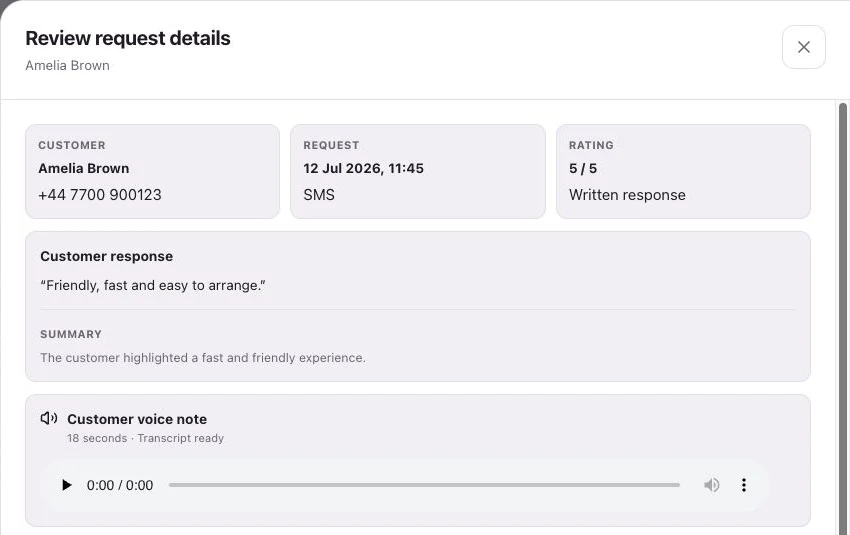
Open a RoundRobin response and read what the customer said alongside the request’s history.
Listen to an available voice note and read an AI summary when available. Recording is always optional.
A click to Google or Trustpilot is tracked separately from feedback collected in RoundRobin.
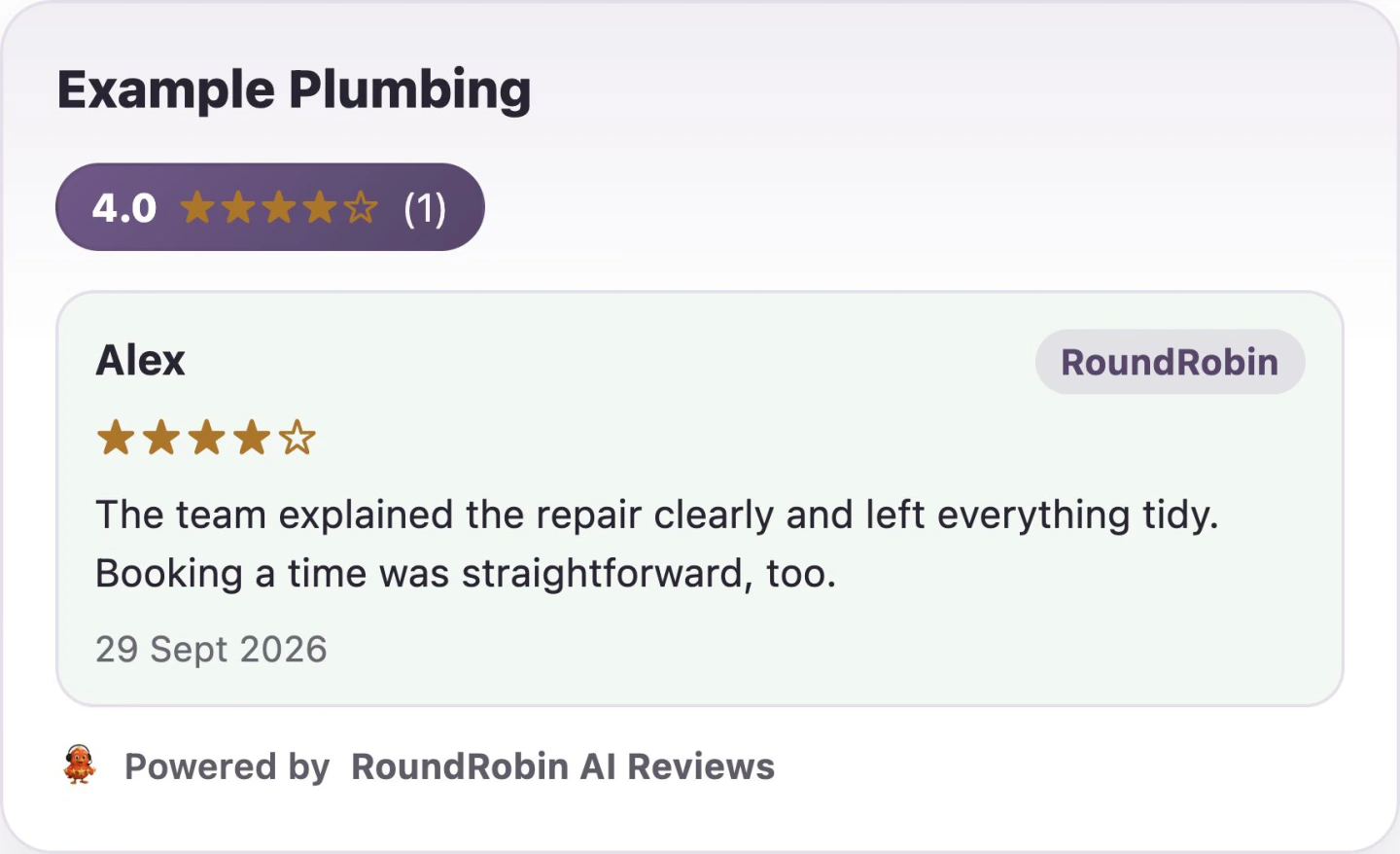
Add a Reviews widget to your website so visitors can read customer experiences while deciding whether to get in touch.
Choose a display style and branding in Reviews, then add the widget to your site.
Bring Reviews to your businessGood service.
In good company.
What our customers say
Ask at a meaningful point in the customer relationship.
Add the customer after the job is complete and they have had a chance to experience the result.
Choose the milestone that makes sense for your service, then send a personal request for honest feedback.
Give each business or location the right branding and destination, with a consistent approach to asking.
Create your account, set up Reviews and send your first request. You can add automation as your routine takes shape.
No setup fee. Email verification, plan selection and a payment card start your trial.
From your shared plan allowance. Calls use the same allowance at their applicable rates.
A request does not guarantee delivery, a response or a published review. See Pricing for current credit rules.Ready to make review requests part of the routine?
Start your 14-day trial No setup fee. Verify your email, choose a plan and add a card.Your NFC review tag is now active and ready to use.
If you want more reviews on autopilot, start your 14-day trial with RoundRobin AI Reviews.