After an appointment experience
Choose a point when the patient has had time to reflect on the visit. Ask about their experience with the practice rather than prompting them to disclose treatment or comment on a particular clinical outcome.
Review automation for dentists
Reception, communication and the overall visit shape a patient’s experience of your practice. Ask for honest feedback at a considered point after the visit, with neutral wording that keeps treatment details out of the request.
No setup fee. Verify your email, choose a plan and add a card to start your trial.
Use Reviews on its own. No callback widget needed.


Ask after the visit when the patient has had time to reflect, following the practice’s chosen contact process. Use one considered request moment for repeat visits rather than asking automatically after each appointment.
Choose a point when the patient has had time to reflect on the visit. Ask about their experience with the practice rather than prompting them to disclose treatment or comment on a particular clinical outcome.
Agree how often your practice asks and check the request history before adding a returning patient. Multiple appointments in one course of care should not automatically become multiple review requests.
Use the same neutral invitation for eligible patients regardless of expected feedback. A direct review link and a branded feedback page are different destinations; choose the journey you want to offer without screening by rating.
Start with a personal, neutral message. Replace the example business name and choose the destination before sending.
Reviews collects service feedback; it is not a clinical follow-up or a route for urgent concerns. It does not connect to your practice system or confirm an external review automatically.
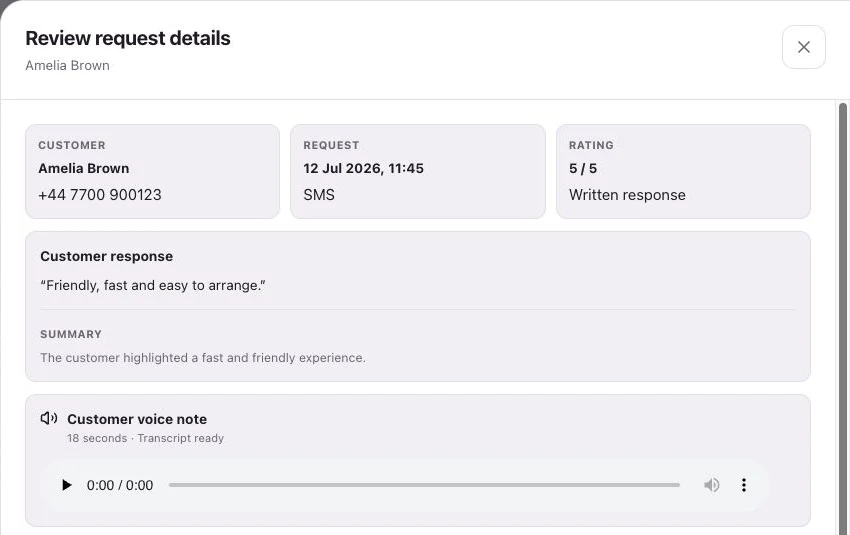
See request history, feedback and review-site clicks separately.
No. A short request about the practice experience is enough. Keep treatment details and other sensitive information out of the message and example workflow.
Yes. On your RoundRobin feedback page, a voice note is optional. Patients can write their feedback without recording anything.
No. Your team decides when a patient is ready and adds them in the dashboard or a connected Sheet. A separate practice system needs an explicit workflow to supply those contacts.
Customers follow your chosen link to Google, Trustpilot or another configured destination, or leave feedback on your branded RoundRobin page. They choose their own rating and words. RoundRobin feedback is never automatically posted to another platform.
Track the request history, review-site clicks and feedback received in RoundRobin. A click to a public review site does not confirm a published review. For direct links, reminders stop after a click; eligibility and timing rules apply.
Set up Reviews, choose your destination and send an individual request. Add automation when your routine is ready.
No setup fee. Email verification, plan selection and a payment card start your trial. Initial review-request SMS messages accepted for sending use credits from your plan. See Pricing for current rules.
Want website visitors to reach your team too?Callbacks for dentists →